
Save Gmail Emails as PDF in Bulk
Bulk export Gmail to PDF and print, 100% in your browser
Introduction
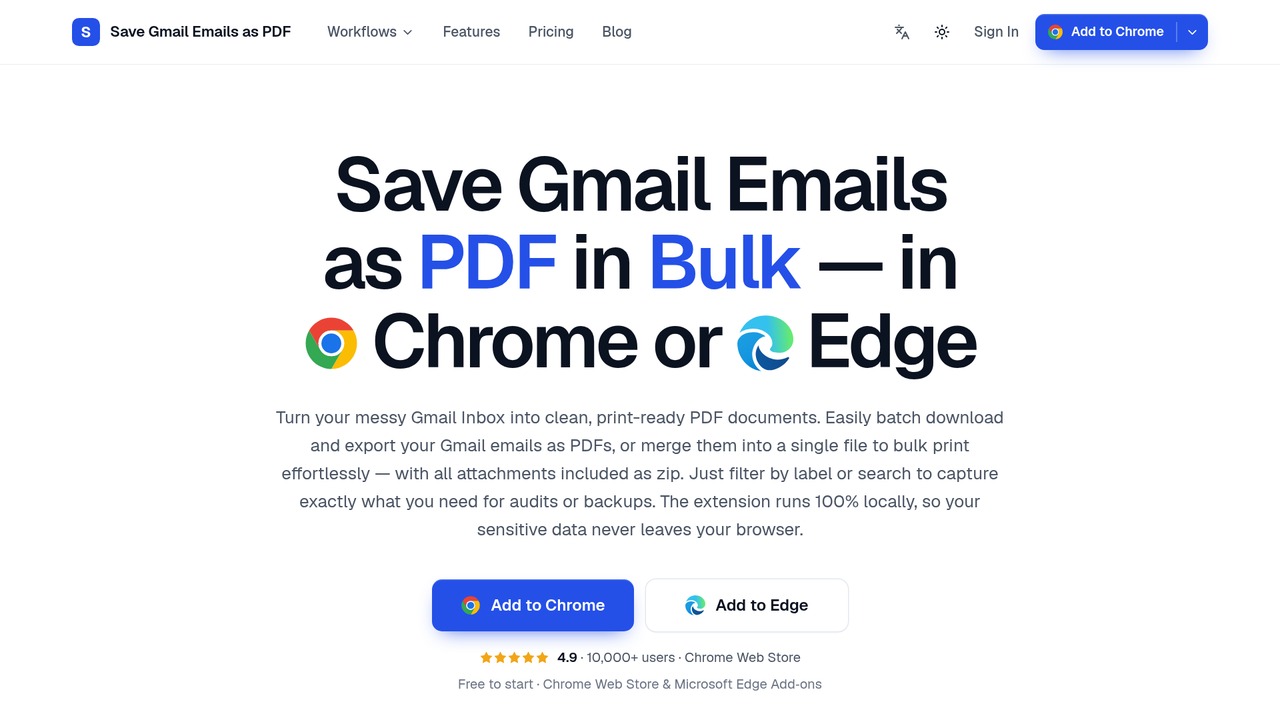
Save Gmail Emails as PDF in Bulk is a Chrome and Edge extension that adds PDF and Print buttons to Gmail's own toolbar. Select emails, a whole label or a search result and save every conversation as its own PDF with attachments zipped alongside, or merge up to 50 conversations into one PDF to save or print. PDFs are generated locally in your browser, so no email is ever uploaded. Bulk export: tick the emails you want, or select a label, a sender or any Gmail search result, then click PDF. Each conversation becomes a separate PDF, named by a filename template you build from date, sender and subject (the default gives names like 2026-01-15_Acme_Invoice.pdf), and attachments are saved next to each PDF in a zip with the original files intact. A progress panel shows which emails are saved, converting or waiting, and a run can be cancelled midway without losing the files already written.
Pricing info of Save Gmail Emails as PDF in Bulk
FreemiumPricing information provided by the submitter.