Pro
FLUX 3 Video makes it easy to turn prompts or reference images into quick, platform-ready clips without wrestling a full editor.

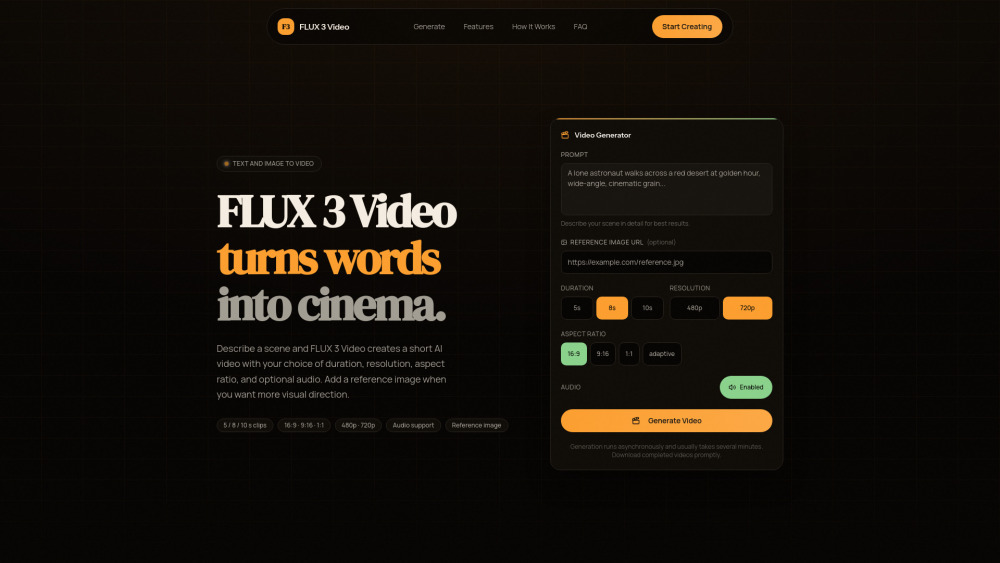
FLUX 3 Video makes it easy to turn prompts or reference images into quick, platform-ready clips without wrestling a full editor.
With unknown pricing and 720p max output, it may feel more like a clever storyboard machine than a final-cut workhorse.
FLUX 3 Video is a straightforward browser tool for turning prompts—and optional reference images—into short AI videos with selectable length, ratio, resolution, and audio. I’d see it helping creators, marketers, and social teams quickly test visual ideas, make platform-ready clips, and skip the time sink of a full video editor.
A social media marketer can use FLUX 3 Video to turn campaign prompts or reference images into short platform-ready clips without opening a full video editor.